

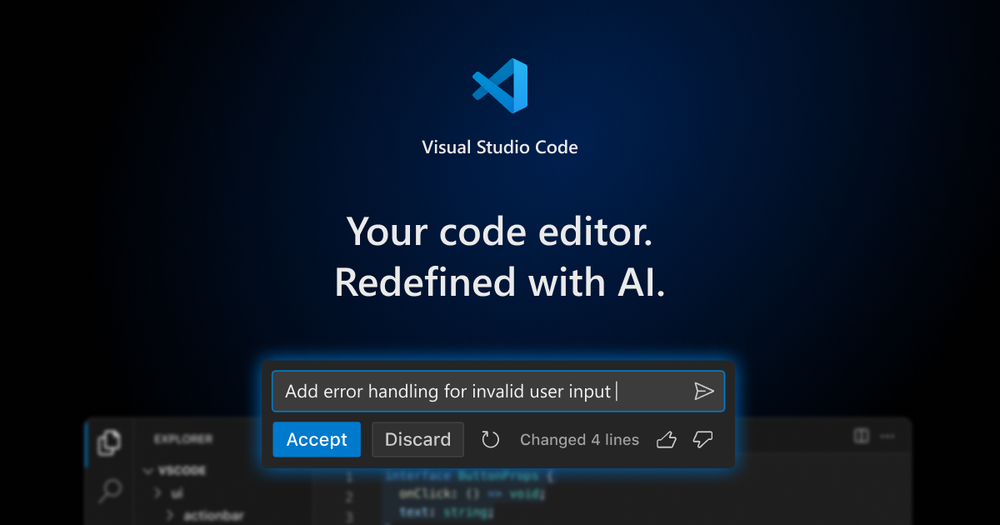
Présentation de Visual Studio Code
Visual Studio Code (VS Code) est un éditeur de code open source développé par Microsoft, intégrant des fonctionnalités avancées d'assistance à la programmation par IA, notamment via GitHub Copilot pour des suggestions de code intelligentes et l'automatisation des tâches. Il prend en charge Linux, macOS et Windows, et est conçu pour le développement d'applications Web et cloud modernes.
Fonctionnalités principales
- Codage piloté par l'IA : complétion de code, débogage et suggestions d'édition via GitHub Copilot, améliorant considérablement la productivité.
- Prise en charge multi-modèles : compatible avec plusieurs modèles d'IA (GPT-5, Claude Sonnet, etc.) et permet la personnalisation des clés de modèle.
- Expert en bases de code : indexation locale et distante des bases de code pour une expérience interactive contextuelle.
- Agents personnalisés : prise en charge d'agents, d'instructions et de fichiers d'invite personnalisés adaptés aux flux de travail d'équipe.
- Mode agent : gestion de tâches complexes multi-étapes, exécution automatique d'éditions de fichiers, de commandes terminal et réponse aux échecs de compilation ou de test.
- Extensions riches : plus de 80 000 extensions, prenant en charge la plupart des langages de programmation et outils.
- Prise en charge multiplateforme : accès au code depuis n'importe quel appareil via navigateur (vscode.dev) ou cloud (GitHub Codespaces).
- Hautement personnalisable : thèmes, synchronisation des paramètres et fichiers de configuration pour répondre aux besoins individuels.
Cas d'utilisation
- Développeurs individuels : écriture et test rapides de code grâce aux suggestions et au débogage par IA.
- Collaboration en équipe : adaptation aux besoins spécifiques des projets et aux flux de travail via des agents et extensions personnalisés.
- Développement à distance : codage et révision de code à tout moment et en tout lieu grâce au support cloud et à l'accès navigateur.
- Projets multilingues : prise en charge de JavaScript, Python, C++, etc., adaptée à des tâches de développement variées.
VS Code, grâce à ses puissantes fonctionnalités d'IA et sa flexibilité d'extension, se distingue parmi les outils de développement, particulièrement pour les utilisateurs recherchant un codage efficace et une collaboration en équipe.
